> ## Documentation Index
> Fetch the complete documentation index at: https://docs.tryearmark.com/llms.txt
> Use this file to discover all available pages before exploring further.
# Local transcript files
> Bring meeting context to local AI agents like Claude Code and Cursor.
## What it does
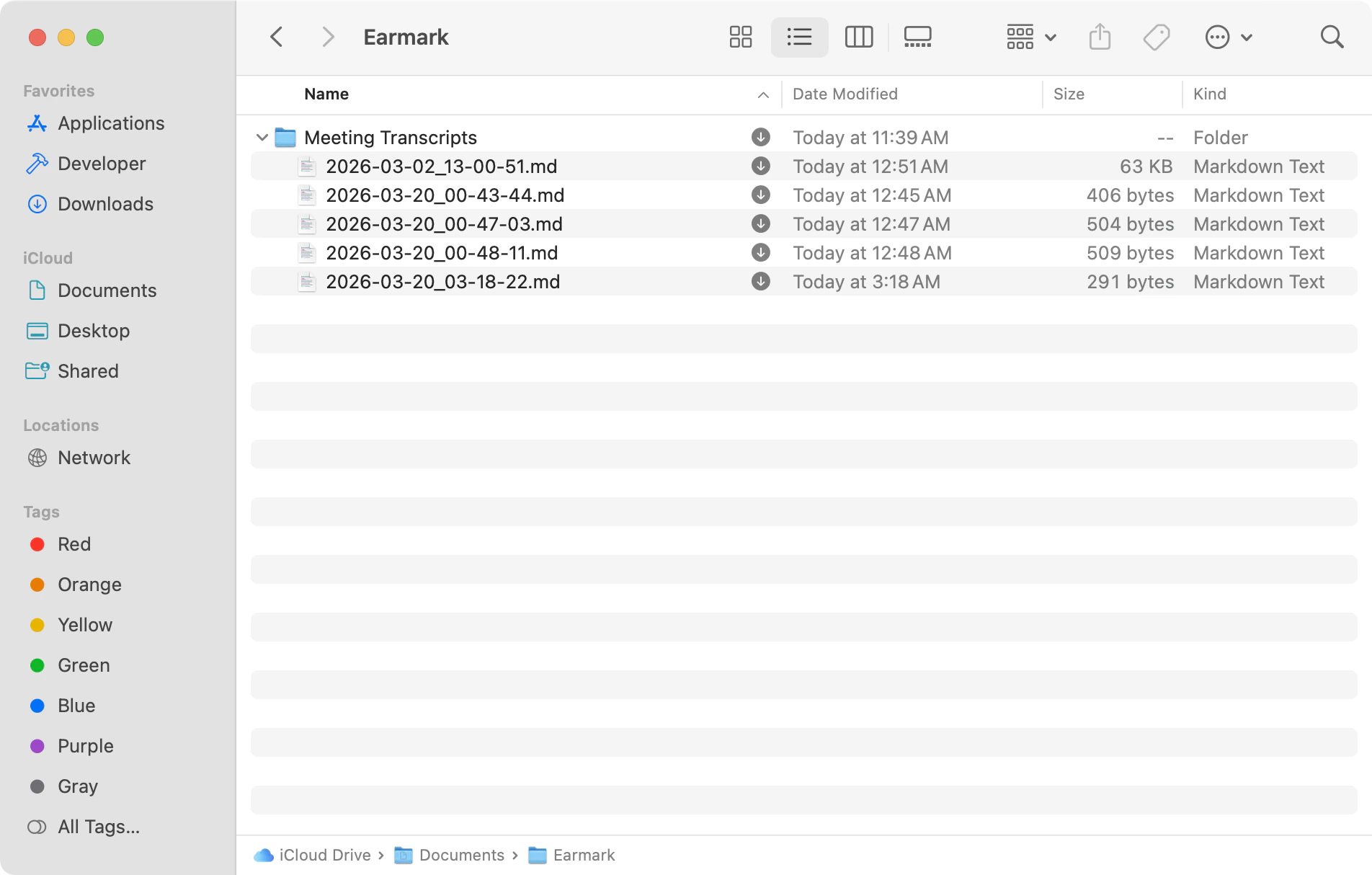
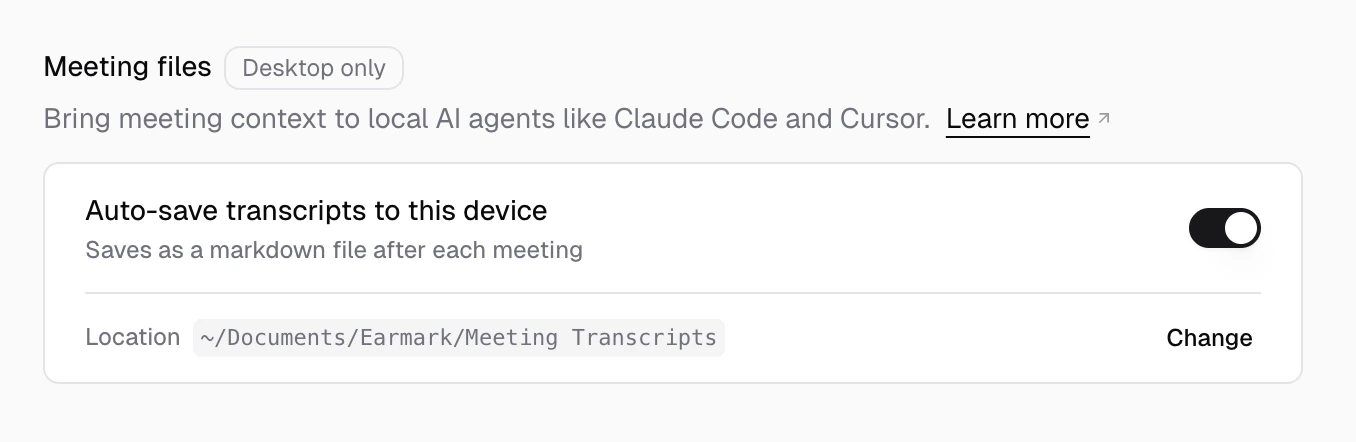
Earmark auto-saves a markdown file to your device when each meeting ends. This is enabled by default and works for both standard and [temporary](/earmark-basics/temporary-meetings) meetings. The default save location is:
```
~/Documents/Earmark/Meeting Transcripts/
```
You can change the save location in settings.
Point Claude Code, Claude Cowork, Codex, Cursor or your local AI agent of choice at the folder and try prompts like:
* What meetings did I have this week?
* Summarize my last meeting and extract action items.
* I'm about to start a 1:1 with Sam — what should I remember from our previous meetings?
* What decisions were made in the product sync on Monday?
* Are there any open questions or unresolved threads from this week's meetings?
If the meeting title changes after the file is written (for example, a system-generated title arrives), Earmark rewrites the file automatically.
This is a desktop-only feature. It requires the Earmark Mac or Windows app version 1.4.1 or later.
## Settings
Open **Settings > Personalization > Meeting files** to manage local transcripts.
* **Auto-save transcripts to this device** — toggle the feature on or off.
* **Save location** — when auto-save is enabled, a location row appears where you can change the destination folder. The folder must be inside your home directory (`~`).
## File format
Each file is named with the meeting start time in UTC, for example `2026-03-20_21-30-00Z.md`. Inside the file, the metadata stays in your local time zone and includes the timezone. Each file has frontmatter followed by a `## Transcript` section:
```markdown theme={null}
---
title: "Product Sync"
date: "2026-03-20 14:30"
participants: "Alex Johnson (creator) , Sam Lee "
started_at: "2026-03-20 14:30"
ended_at: "2026-03-20 15:01"
timezone: "America/Los_Angeles"
meeting_key: "abc-123"
workspace_name: "Acme Inc"
format_version: 1
---
## Transcript
Alex: Let's start with the status update...
```
**Transcript not accessible?** iCloud Drive may be offloading the file to save
disk space. In Finder, navigate to your save location, right-click the file,
and select **Keep Downloaded**.