

What you’ll see
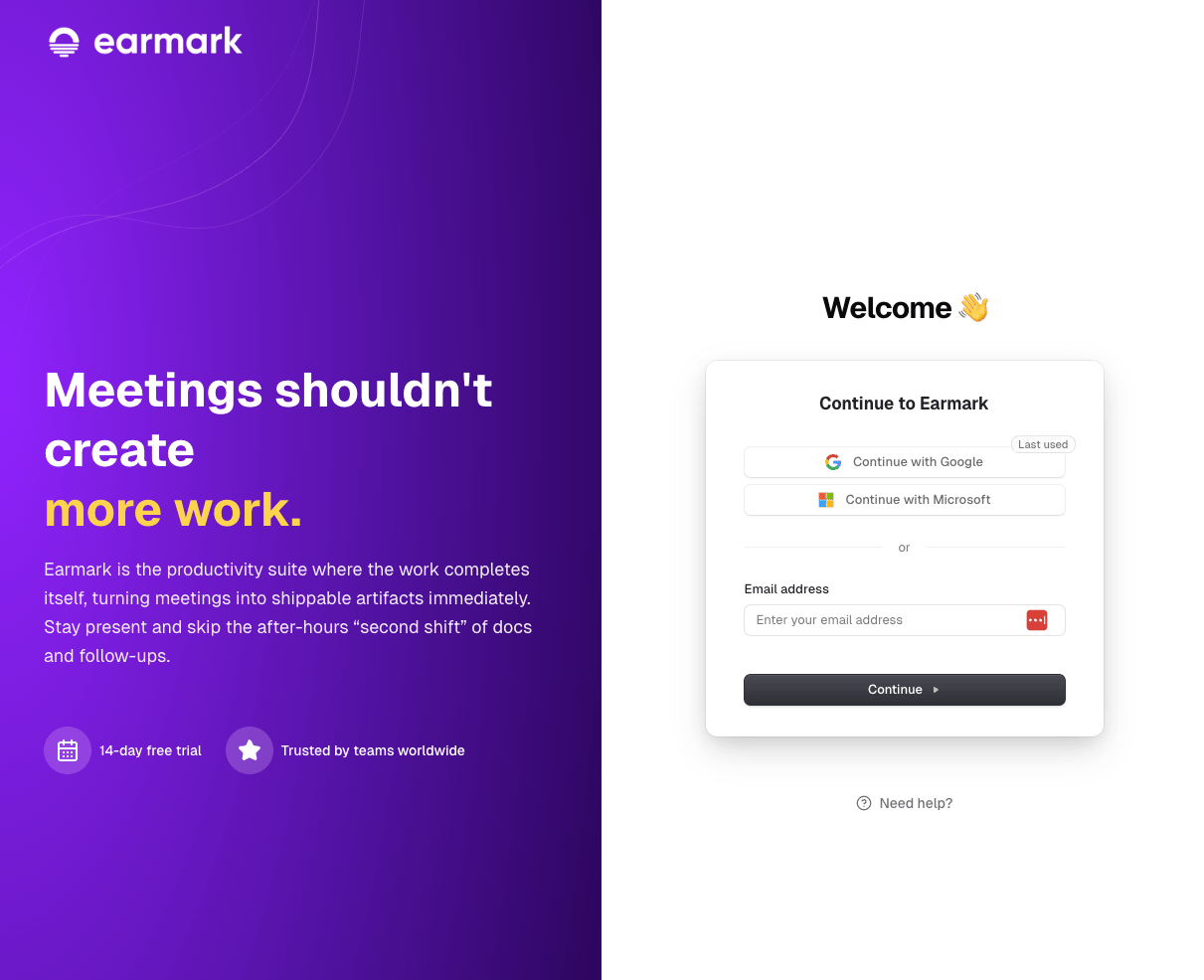
Browser sign-in flow that hands off to the desktop app
Why this happens
Earmark Desktop registers a custom URL protocol (earmark://) so the browser can hand control back to the installed app. If your browser or endpoint management policies block custom protocol handlers, the handoff fails silently.
What to allow
What to check
- Browser settings - some browsers ask before opening external apps; make sure Earmark hasn’t been permanently blocked in that prompt
- Endpoint management / MDM - corporate device policies sometimes restrict which custom protocols can be launched
- Default app registration - on macOS, check that Earmark is properly registered as the handler for
earmark://(reinstalling the app usually fixes this) - Windows SmartScreen or Gatekeeper - security software may block the app from being launched via protocol handler on first use