

What it does
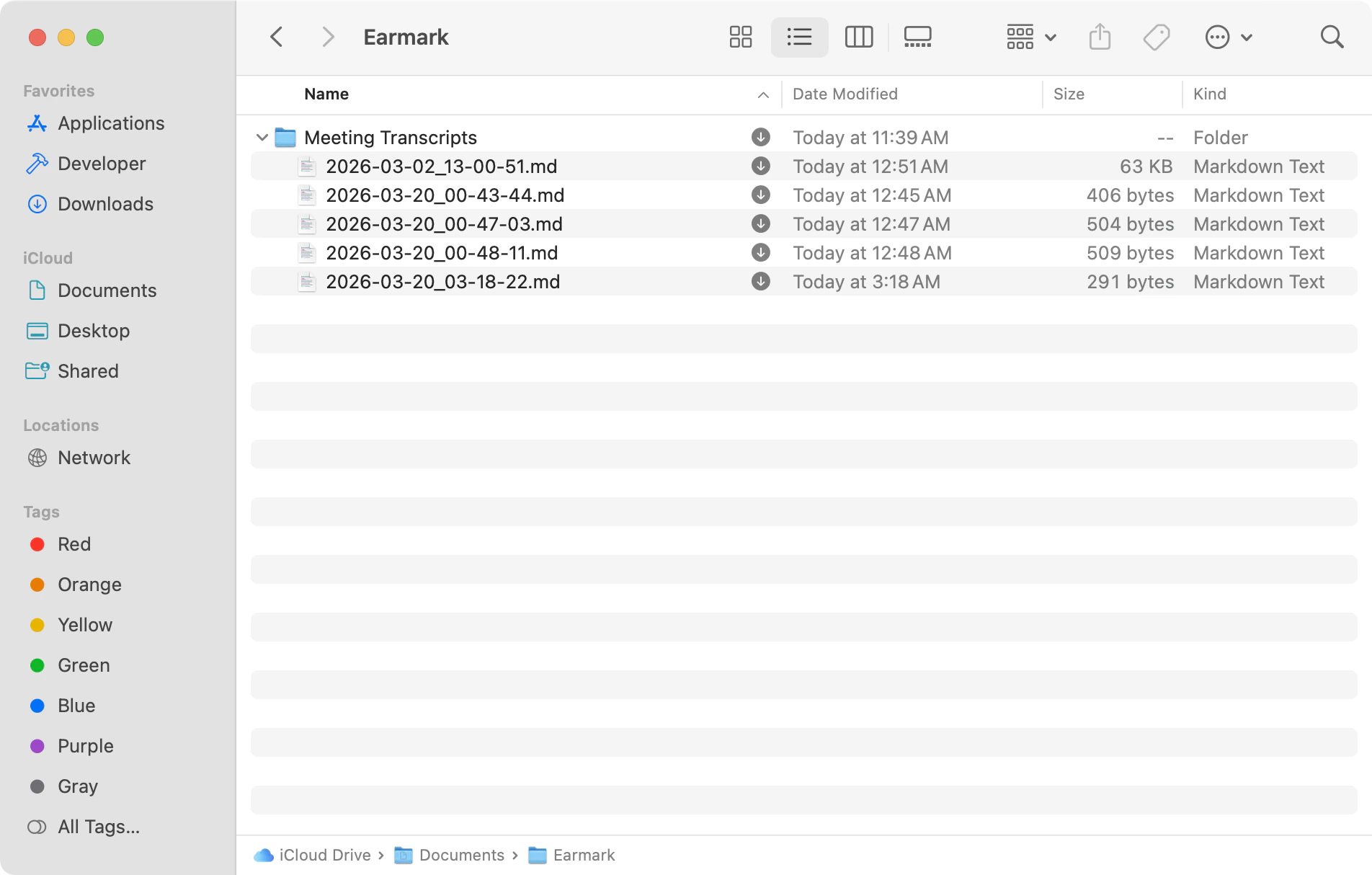
Earmark auto-saves a markdown file to your device when each meeting ends. This is enabled by default and works for both standard and temporary meetings. The default save location is:- What meetings did I have this week?
- Summarize my last meeting and extract action items.
- I’m about to start a 1:1 with Sam — what should I remember from our previous meetings?
- What decisions were made in the product sync on Monday?
- Are there any open questions or unresolved threads from this week’s meetings?
This is a desktop-only feature. It requires the Earmark Mac or Windows app version 1.4.1 or later.
Settings
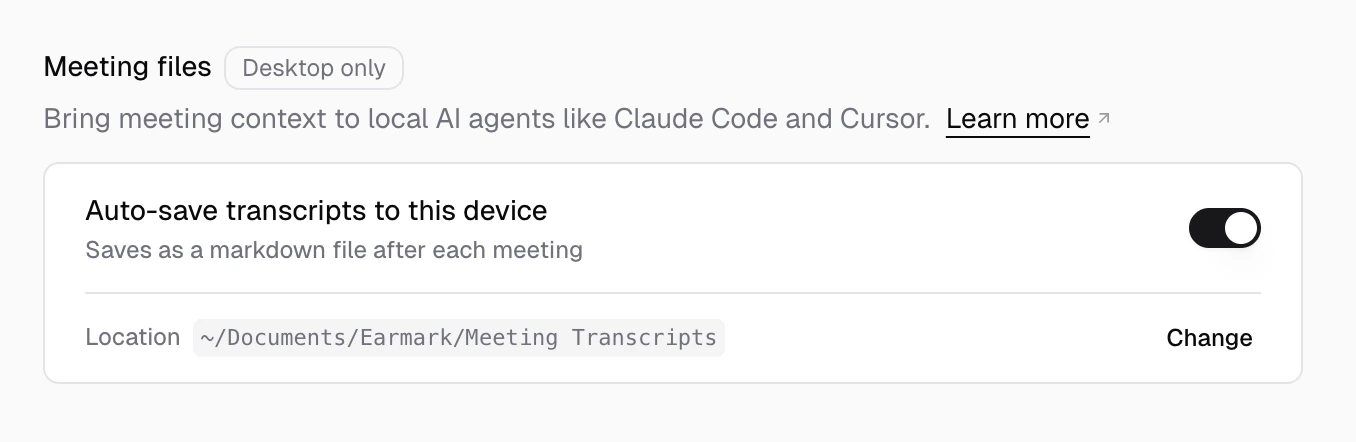
Open Settings > Personalization > Meeting files to manage local transcripts.- Auto-save transcripts to this device — toggle the feature on or off.
- Save location — when auto-save is enabled, a location row appears where you can change the destination folder. The folder must be inside your home directory (
~).
File format
Each file is named with the meeting start time in UTC, for example2026-03-20_21-30-00Z.md. Inside the file, the metadata stays in your local time zone and includes the timezone. Each file has frontmatter followed by a ## Transcript section: