

What you’ll see
The live transcript stays stuck on “connecting” or never starts after you begin recording. Audio is being captured but no text appears.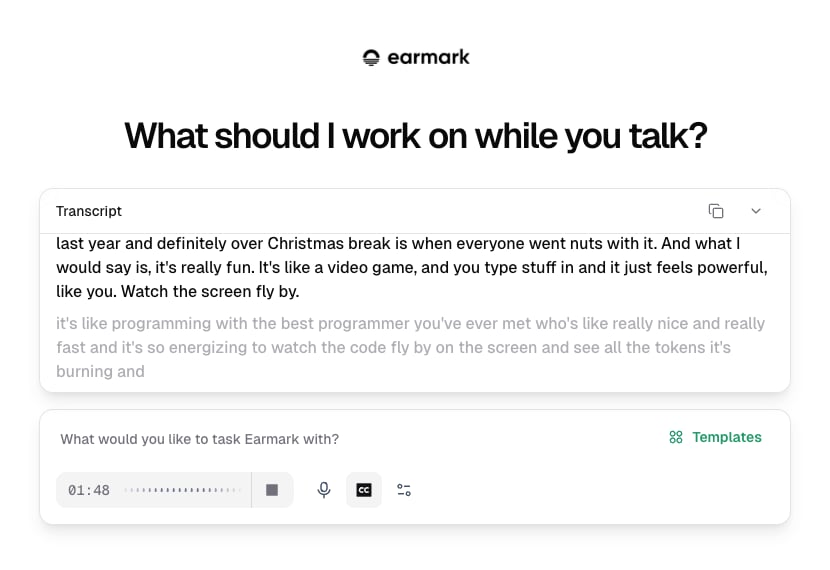
Live transcript panel while the stream is establishing
Why this happens
Earmark streams audio to AssemblyAI for transcription using a secure WebSocket connection. If your network blocks WebSocket upgrades - common with corporate firewalls, VPNs, and TLS inspection proxies - the connection can’t be established.What to allow
WebSocket endpoint:
What to check
- Firewall / proxy rules - WebSocket traffic on port 443 must not be blocked or downgraded to plain HTTPS
- TLS inspection - some corporate proxies intercept and re-sign TLS traffic, which can break WebSocket upgrades
- VPN split tunneling - if your VPN routes all traffic through a corporate gateway, WebSocket connections may be dropped