

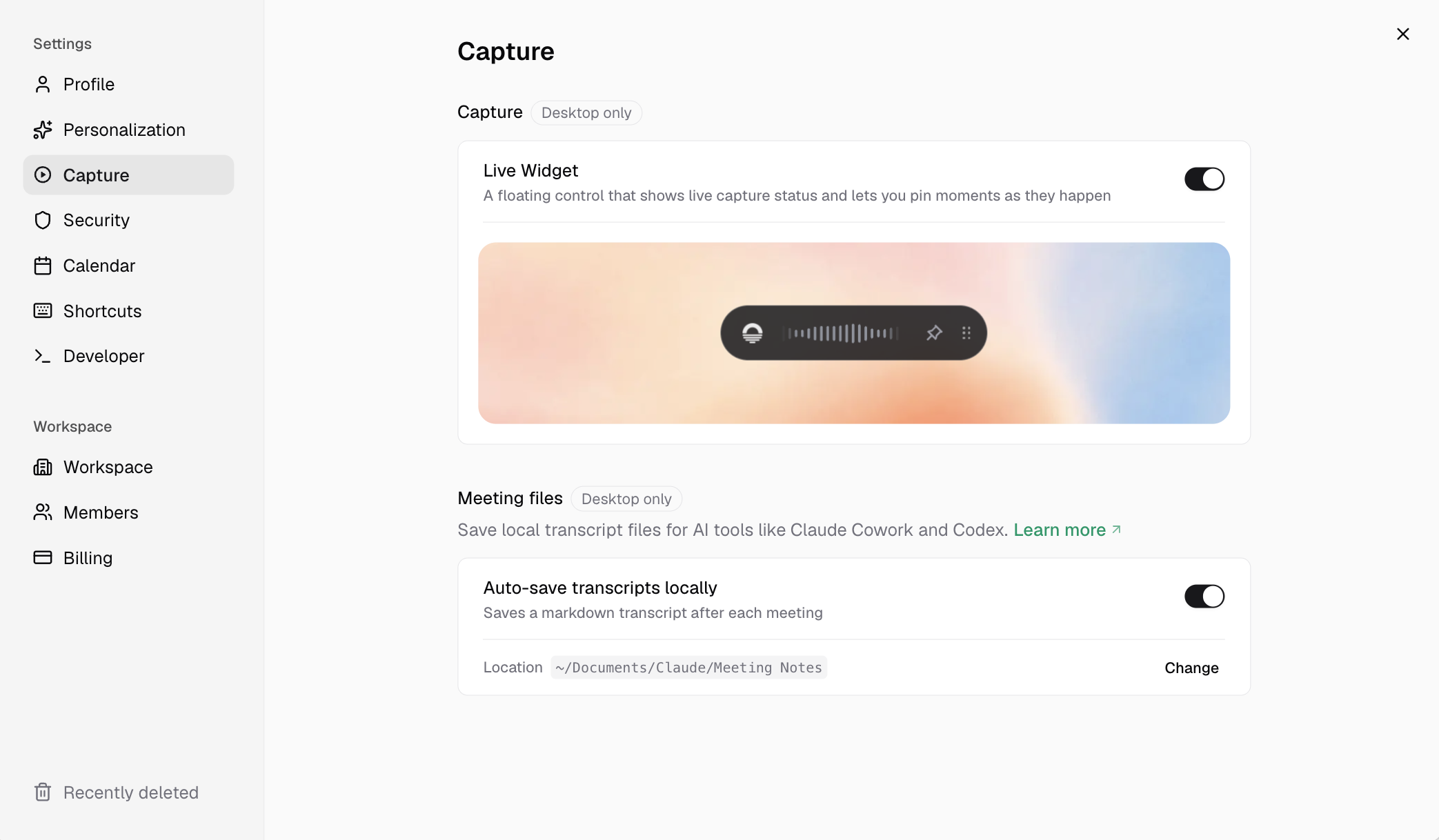
Settings > Capture
Live Widget
The Live Widget is a floating pill that appears during an active desktop recording. Use it to see that capture is running and to drop pins from anywhere on screen.Capture settings on this page apply per machine. Enabling the Live Widget on your laptop does not enable it on your desktop.
Keyboard shortcuts for pins
Pinning also works via a global desktop shortcut (defaultOption + P on macOS or Alt + P on Windows), independent of the Live Widget. Customize shortcuts in Settings > Keyboard shortcuts.
The pin shortcut is desktop-only. On web, use the Pin button in the meeting command bar. See Pins for full pinning behavior and privacy.
Web and desktop differences
For platform-level capture behavior (system audio, calendar, toolbar), see Platforms and Earmark toolbar.