

From conversation to UI
Skip the blank canvas. Earmark converts what you discussed into v0-ready UI prompts, components, and direction. Design discussions become actionable specs instead of vague notes.How it works
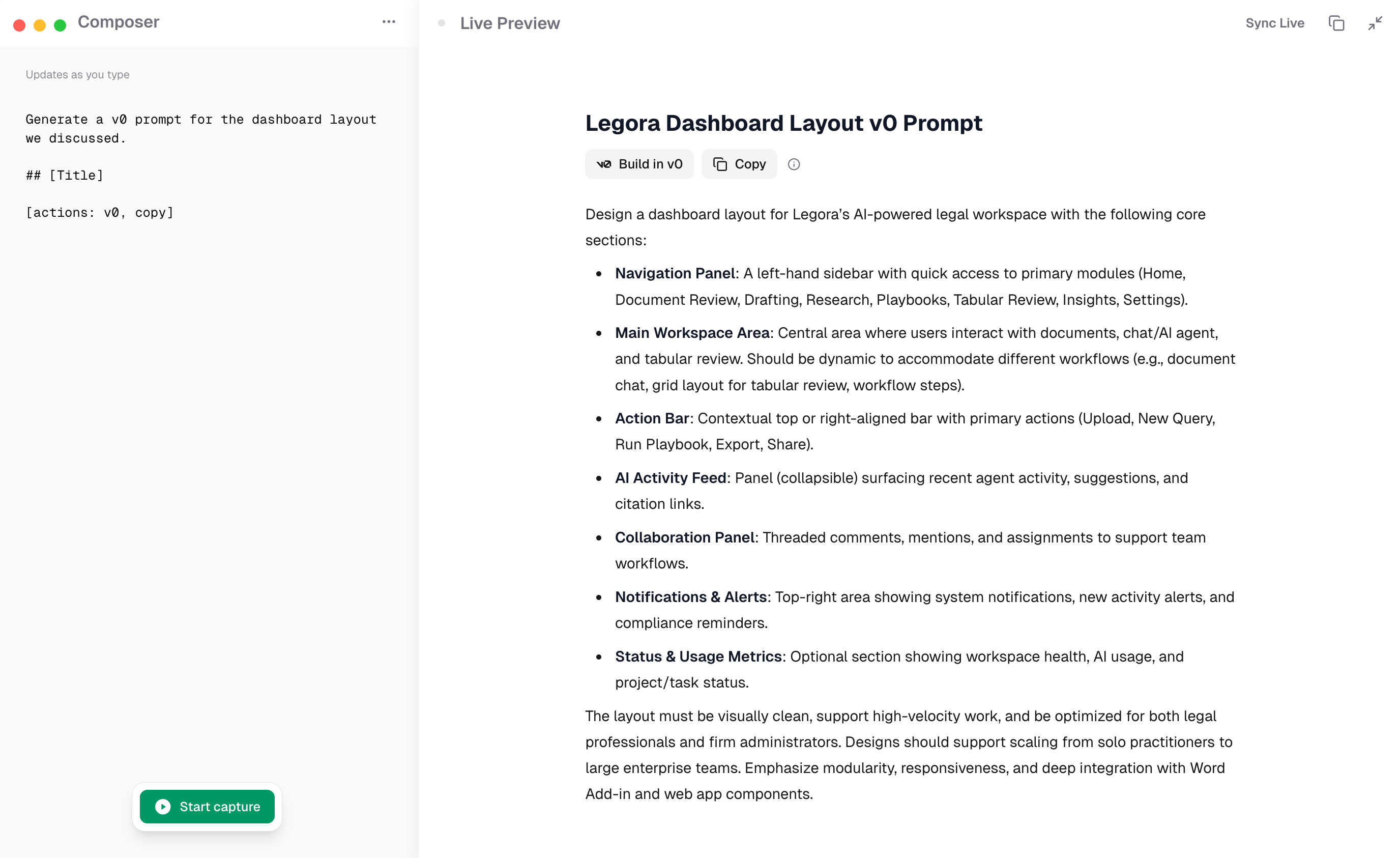
v0-ready UI prompt from meeting context
- Run a meeting where UI or design decisions are discussed
- Use a custom prompt like “Generate a v0 prompt for the dashboard layout we discussed, including the data tables and filter sidebar”
- Earmark produces a structured prompt grounded in what was actually said, with specific component descriptions, layout requirements, and interaction details
- Paste the output into v0 and iterate from a real starting point
Best templates for v0 workflows
- Engineering Specs: captures requirements including UI specifications
- Topic Outcome Tracker: records design decisions and open questions
- Custom prompts: “Write a v0 prompt for [specific UI]” works well with Earmark’s full transcript context